
Install Texas ECR Scoring Engine
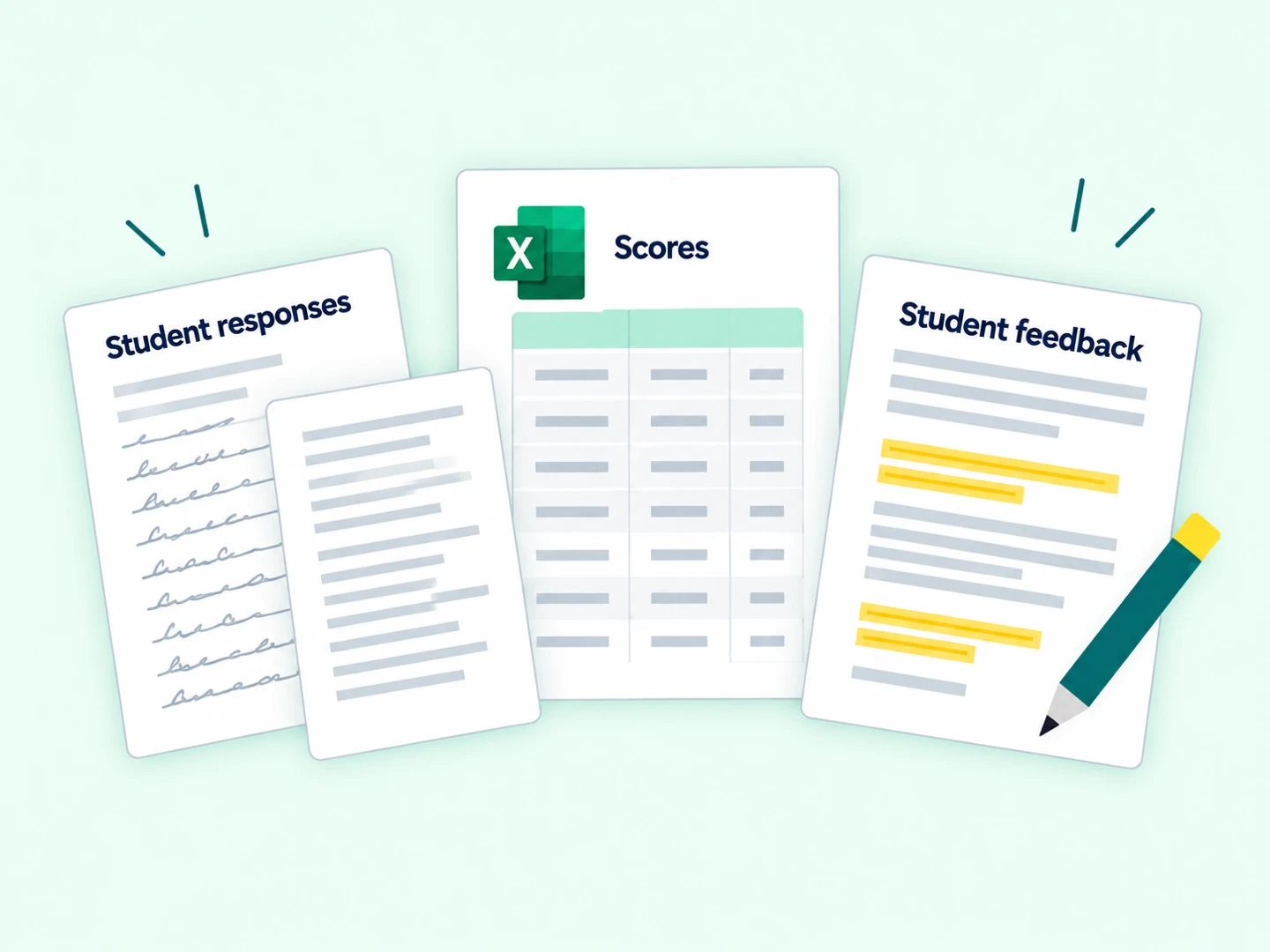
Install the Texas ECR Scoring Engine in ChatGPT Work to score English and Spanish STAAR-style extended constructed responses and generate student revision feedback.
Before you begin
Make sure you have access to the tools and resources you need.


 Plugins
 Skills
 Create with chat
 Create with editor
 Upload from your computer
Upload the skill ZIP
In ChatGPT, click the Plugins icon in the narrow rail at the far left, then choose Skills in the Customize panel.
Select Add → Upload from your computer. Choose the downloaded ZIP and follow the on-screen import prompts. Upload the complete ZIP without extracting it.
Prefer to install through a chat?
Start a new conversation, select Work, and attach the ZIP using the + button. Send this request:
Install the attached Texas ECR Scoring Engine skill, then verify that it is installed persistently in my personal skills and available in future conversations.

Score STAAR ECRs and give student revision feedback
Confirm installation
On the Skills page, find Texas ECR Scoring Engine under Installed. Use Search skills if needed.
Open the skill to inspect its instructions and supporting files.
Choose Work, model, and reasoning
Start a new conversation and select Work at the top. Open the model control near the bottom-right of the message box.
Click the model name in the menu to choose Sol or Astra. Move the reasoning slider until the label reads High or Extra High.
If your account instead shows Power → Advanced, open Advanced to choose the same model and reasoning settings.
Example request
@Texas ECR Scoring Engine Score the attached English I essays using the attached passage and writing prompt. The expected response language is English. These submissions are from one class. Use the anonymous response labels to match results. Return the Excel workbook with scores, student feedback, and any responses that need review.
Score your first class
In the message box, type @ and choose Texas ECR Scoring Engine. Add your request and attach the source files using the + button.
Example: English I. Specify the grade or course and expected response language. Attach the passage, writing prompt, and student essays, using anonymous labels to match responses with results.
Images and scans, PDFs, spreadsheets, Word documents, or ZIPs of supported files.
One class at a time.
Recommended: use a separate scoring run for each class.
Protect student privacy.
Remove names, student IDs, and other identifying details before uploading. Use anonymous labels to match results. Only upload student PII if your district has approved this platform for that information.
Need help?
- The skill does not appear
- Refresh the Skills page, search for the skill by name, or open a new Work conversation and type @ to find it.
- I don’t see the same menu labels
- Look for Skills under Plugins or Customize. Menu labels and available models can vary by account and rollout.
- What should I include in my request?
- The passage, writing prompt, student essays, grade or course, and expected response language.
Web interface reviewed October 1, 2026. Labels and availability may vary by account.
Model and reasoning guidanceSkills and plugins guidance