
ECR Scoring with ChatGPT
Built specifically for English and Spanish STAAR-style extended constructed responses. A coordinated team of AI agents reads student writing, applies the Texas ECR Scoring Engine’s calibrated 0–5 scoring process, and provides feedback for revision.
What to provide
Include the grade or course and the expected response language with every scoring request.
One class at a time.
Recommended: use a separate scoring run for each class.
Protect student privacy.
Remove names, student IDs, and other identifying details before uploading. Use anonymous labels to match results. Only upload student PII if your district has approved this platform for that information.
AI reads and verifies each response.
AI extracts typed text and transcribes scanned or handwritten essays, then independently checks visual transcriptions. Unreadable or uncertain responses are flagged for review.
AI scores each essay in stages.
Separate AI workers apply the skill’s calibrated STAAR-style scoring process to each response, checking scoring conditions before evaluating Ideas and Conventions.
AI creates feedback for revision.
After scores are fixed, AI provides response-specific revision guidance without rewriting the essay or giving students the answer.
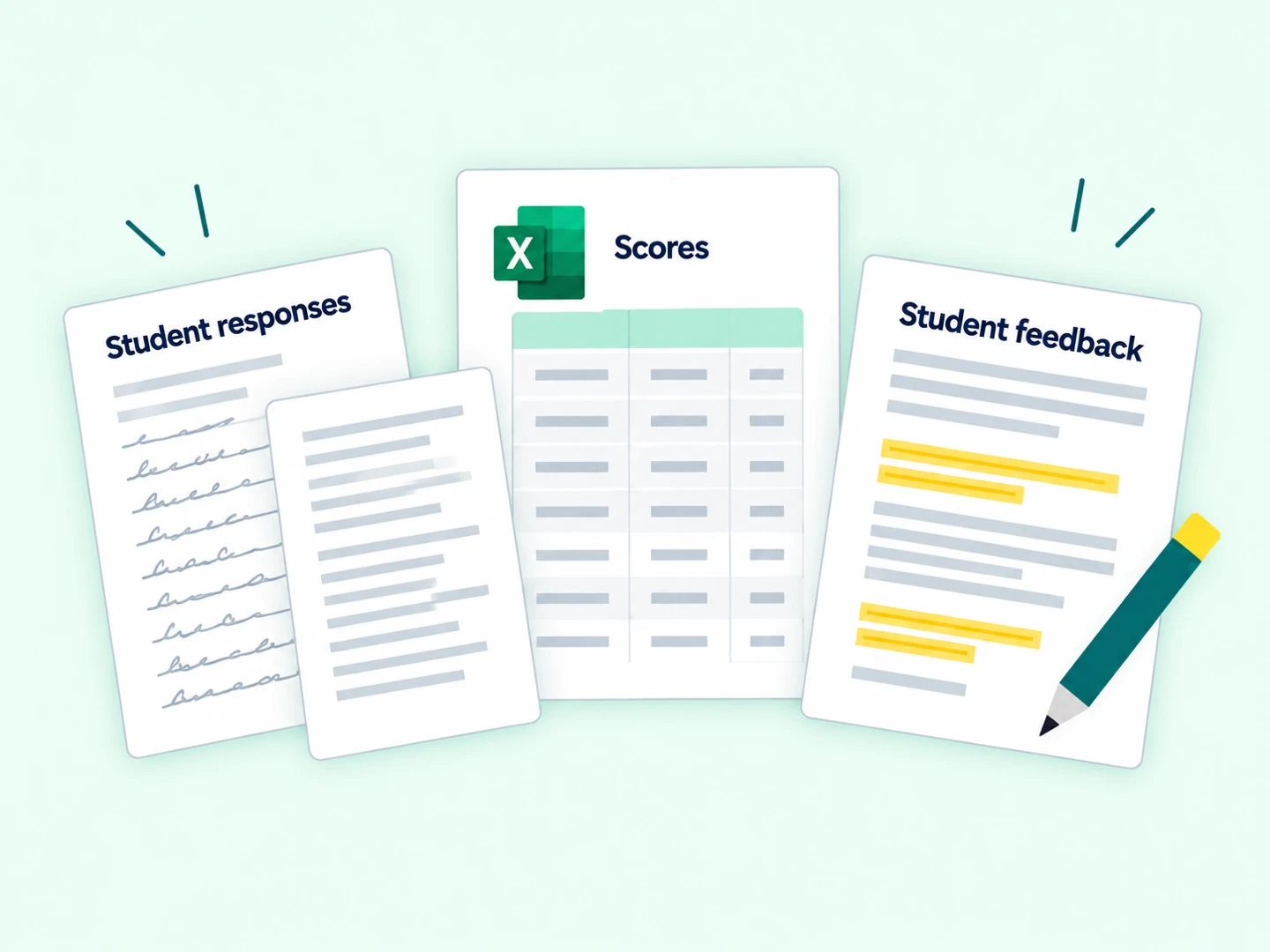
One results workbook
- Scores
- Ideas, Conventions, and overall scores
- Student Feedback
- Guidance for revision
- Review Needed
- Held records and review flags
- Responses
- Original student responses
- Run Details
- Assignment and processing record
Review the results in Excel.
Receive scores, student feedback, responses, and records needing review in one workbook. Review flagged records and results before use.